
Patterns with a place to belong
Your Ravelry library, close to every next make.
The quick answer
Stashora is an independent Ravelry companion for iPhone and iPad. Connect your account to browse your library and download the owned pattern PDFs available through it. Keep downloaded files beside your local projects, notes, and row counts, ready for your next knitting or crochet session.
 For iPhone and iPad · iOS 18 / iPadOS 18+
On this page
Go from a saved pattern to your next project
Open your connected library to find patterns attached to your Ravelry account. Check a design’s details, open its available library files, and keep the pattern you are using with the rest of your making routine.
A library entry can refer to a downloadable PDF, an external website, or a print source. Stashora can download owned files available through the connected account; a saved listing is not a promise that a file exists.
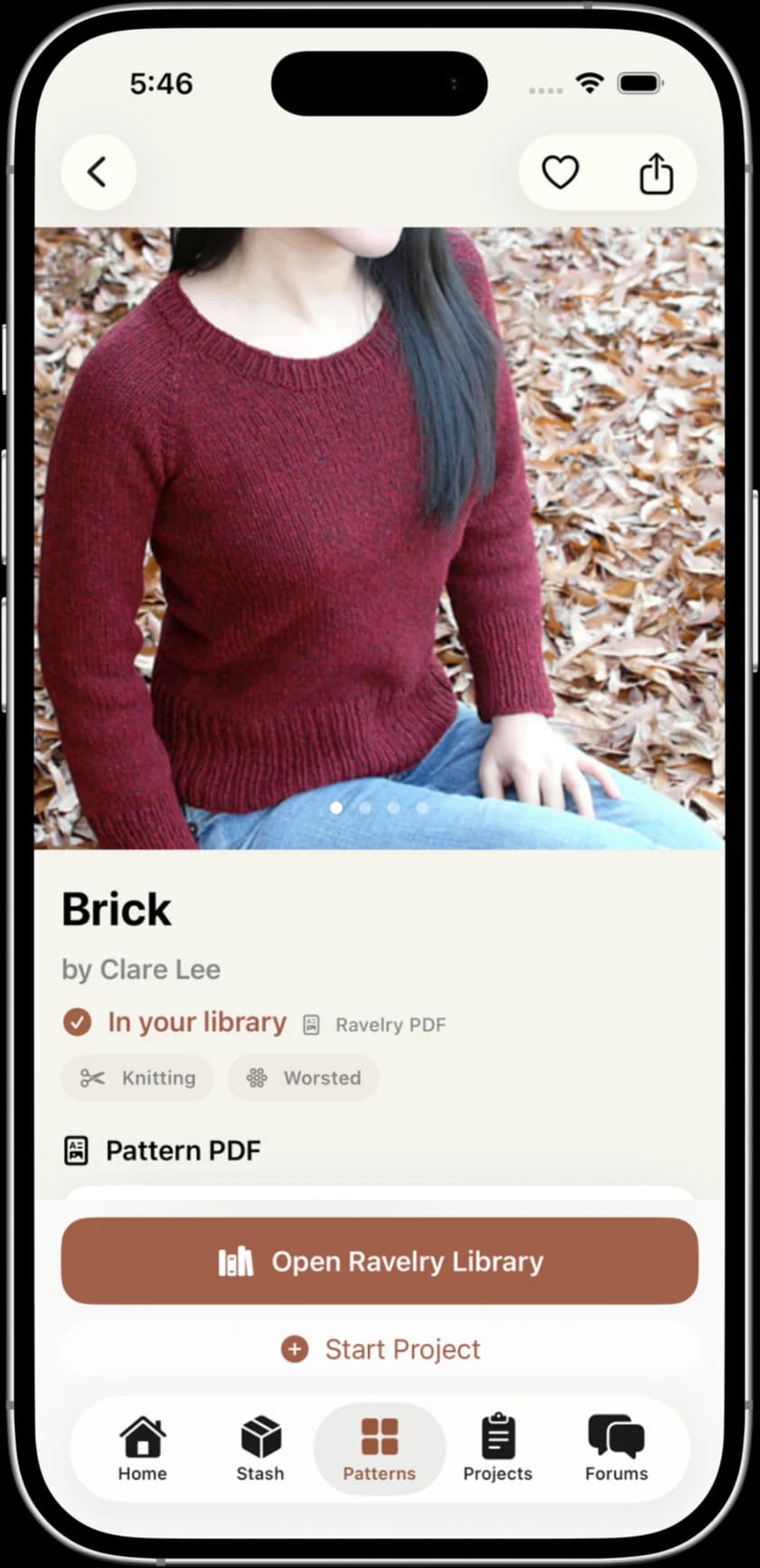
Sources: Stashora on the App Store
Keep the pattern and your place in it together
Use your project record for the size, yarn, needles or hook, progress photos, and the next instruction. A short note such as “row 24 finished; start row 25” makes returning easier than relying on the PDF alone.
Stashora also provides PDF annotations and a reading guide. See the current plans for feature availability, and choose the tools that fit your pattern-reading routine.
Sources: Stashora on the App Store
Download now. Settle into your project later.
Downloaded PDFs and locally saved projects, stash, and row counters remain available offline. Before a trip, open each file you need, turn off Wi-Fi and mobile data, and reopen it on the device you will use.
New file downloads, pattern searches, forum discussions, and Ravelry sync require a connection. Downloading a file on your phone does not establish that it is also downloaded on your iPad.
Sources: Stashora on the App Store
One connected account, different kinds of information
| Task | What to know |
|---|---|
| Browse your Ravelry library | Connect the account that owns the patterns. |
| Download a PDF | The file must be available through that account; an internet connection is needed. |
| Read a saved PDF offline | Download and check it on this device first. |
| Keep local project notes and row counts | A Ravelry account is not required for local project organization. |
| Update Ravelry stash and projects | Automatic sync for supported changes is separate from library downloads. |
Frequently asked questions
Can I read Ravelry pattern PDFs on my iPhone?
Yes. With Stashora, connect your Ravelry account and download owned PDFs available through your library. Check that the file opens on your phone before relying on offline access.
Does Stashora unlock patterns I have not bought?
No. You need access to the pattern file through your connected account. A library listing, favorite, or queued pattern does not by itself grant access to a paid PDF.
Is Stashora made by Ravelry?
No. Stashora is an independent companion for iPhone and iPad, not created by, affiliated with, or endorsed by Ravelry.
Sources and review
Written by Stashora. Content reviewed on October 17, 2026. Worked examples and checklists are illustrative; they are not performance tests. Read our editorial policy.